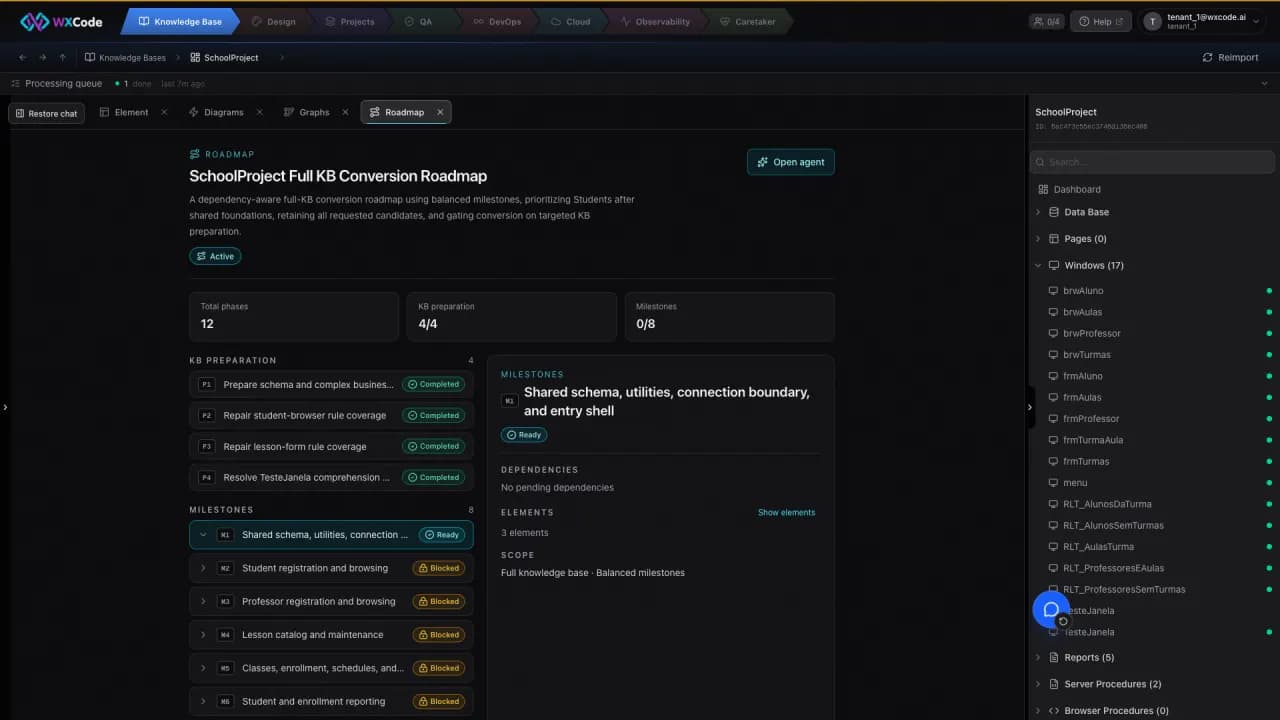
03 · Dependency map
Map what depends on what
Every team knows a procedure nobody wants to touch. The risk is often not its complexity, but the missing map of callers, tables, and screens that depend on it.
A relationship is more useful than a file list
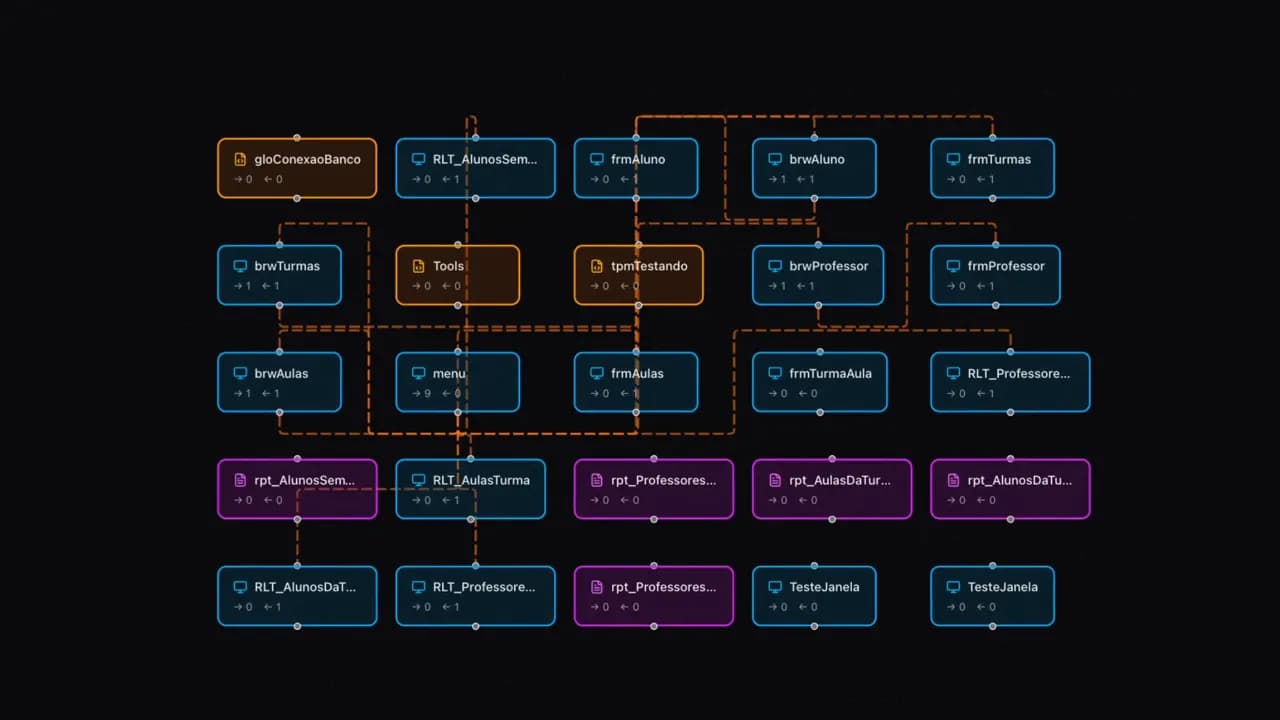
The Knowledge Base links tables, classes, procedures, queries, and windows. Its graph can show calls, navigation between screens, data flow, and schema relationships. Selecting an element highlights its direct neighbors and shows incoming and outgoing connections.
Read the map in layers
A call edge answers who invokes a procedure. A data-flow edge shows which elements use a table. A navigation edge shows where a screen leads. The schema view shows foreign keys. Together these views expose the dependencies a seemingly small screen may bring into the conversion.
- Check callers before changing a shared procedure.
- Check table readers and writers before changing data.
- Check navigation before splitting a user journey across phases.
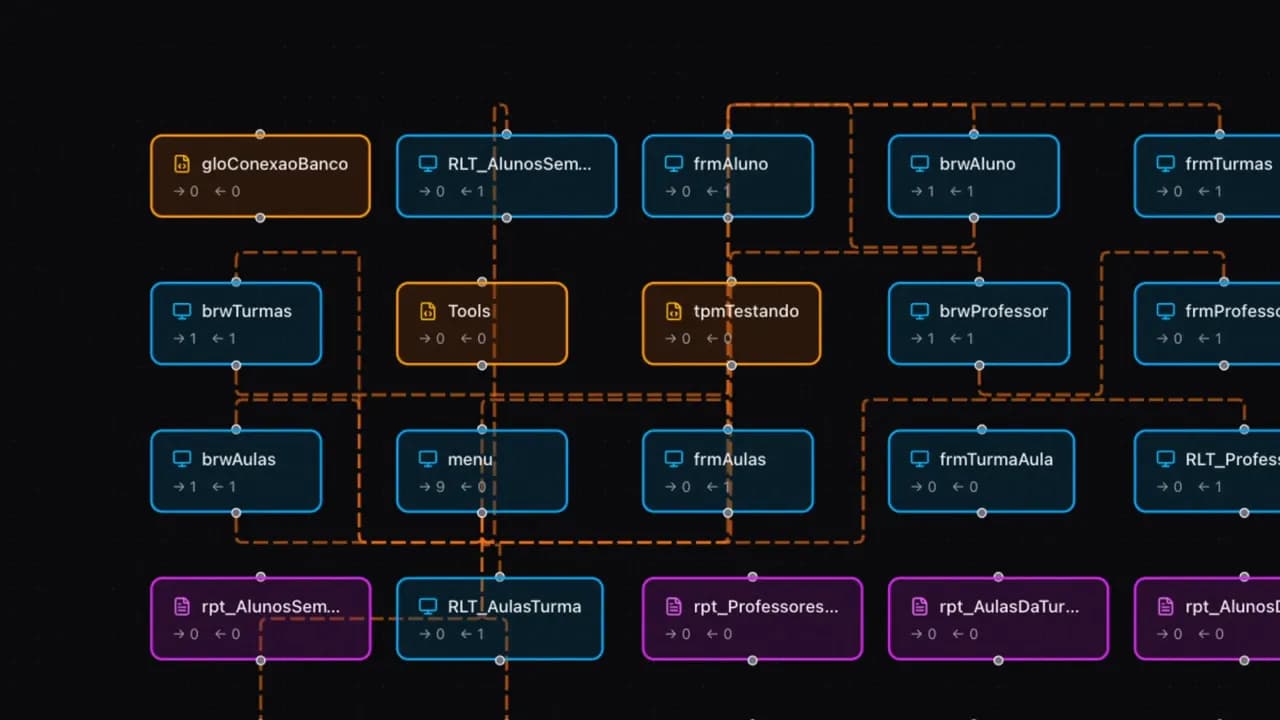
Use it to sequence work
The graph helps identify shared foundations and code that may no longer be called. An uncalled procedure is a candidate for review, not proof that it can be removed. A roadmap can then place prerequisites before the screens that need them.