Tutorial · Import
Import a WinDev project into the Knowledge Base
The import walkthrough shows a practical sequence: provide the source project, inspect the mapped structure, enrich it, and approve a roadmap before conversion.
Supply the project and useful context
Start with a ZIP of the WinDev source. A SQL schema generated from the Analysis is optional and adds tables and relationships. Documentation or extractor JSON can add control properties; SQL stored procedures can add database behavior.
Inspect what was imported
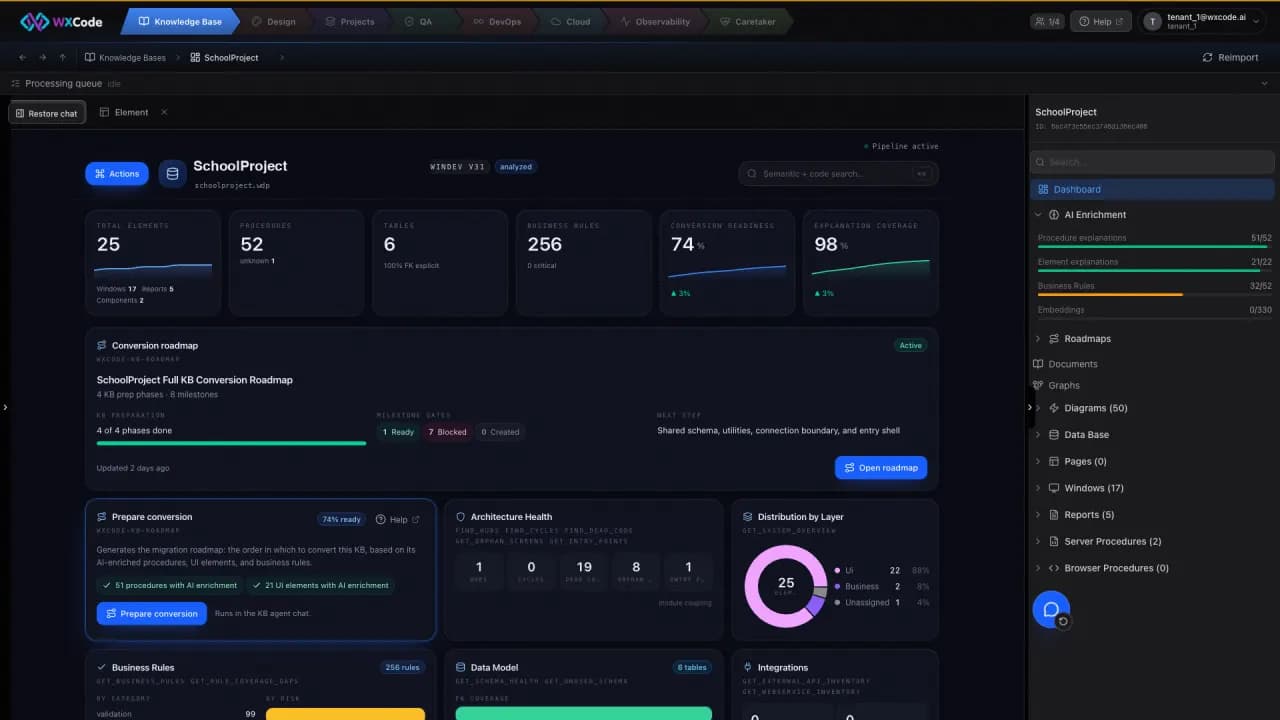
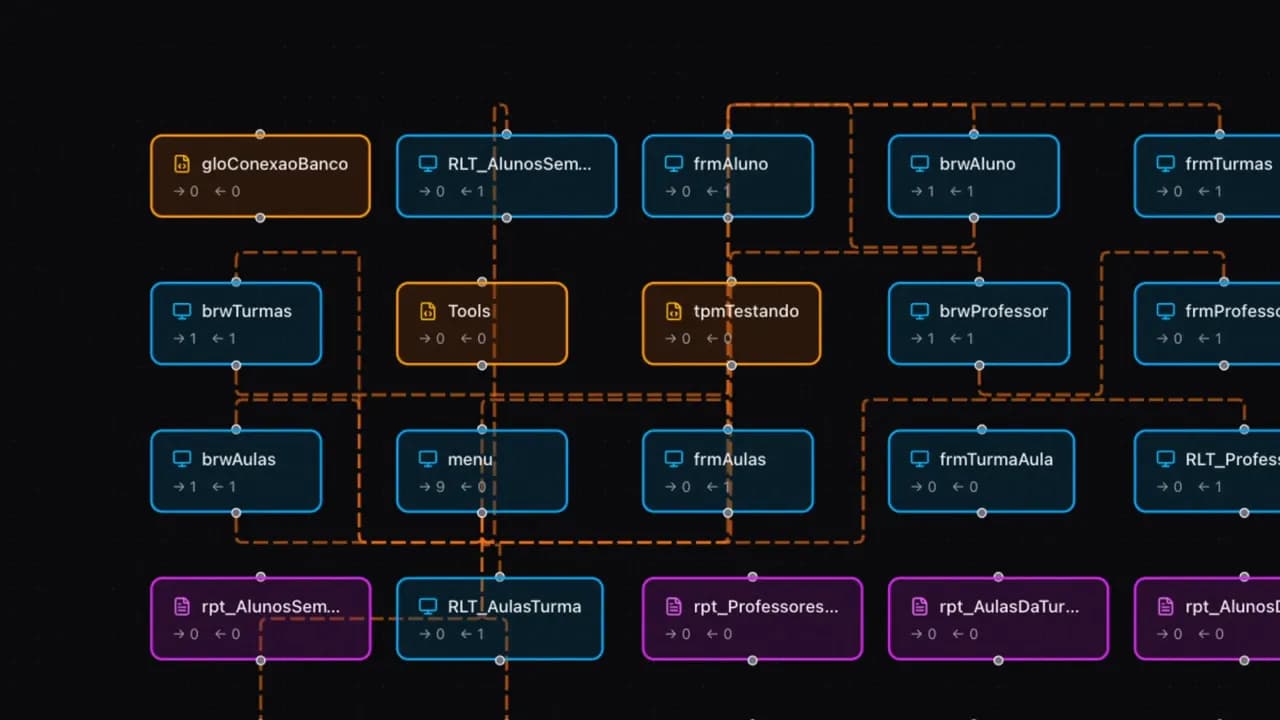
The import maps elements and controls, parses the database, resolves dependencies, and stores the graph. In the dashboard, inspect the window tree, tables, and relationships. Open a screen to explore its procedures, data access functions, and navigation.
- Review table keys and relationships.
- Follow one important screen into its dependencies.
- Confirm the project entry point and reports.
Enrich, audit, and approve the plan
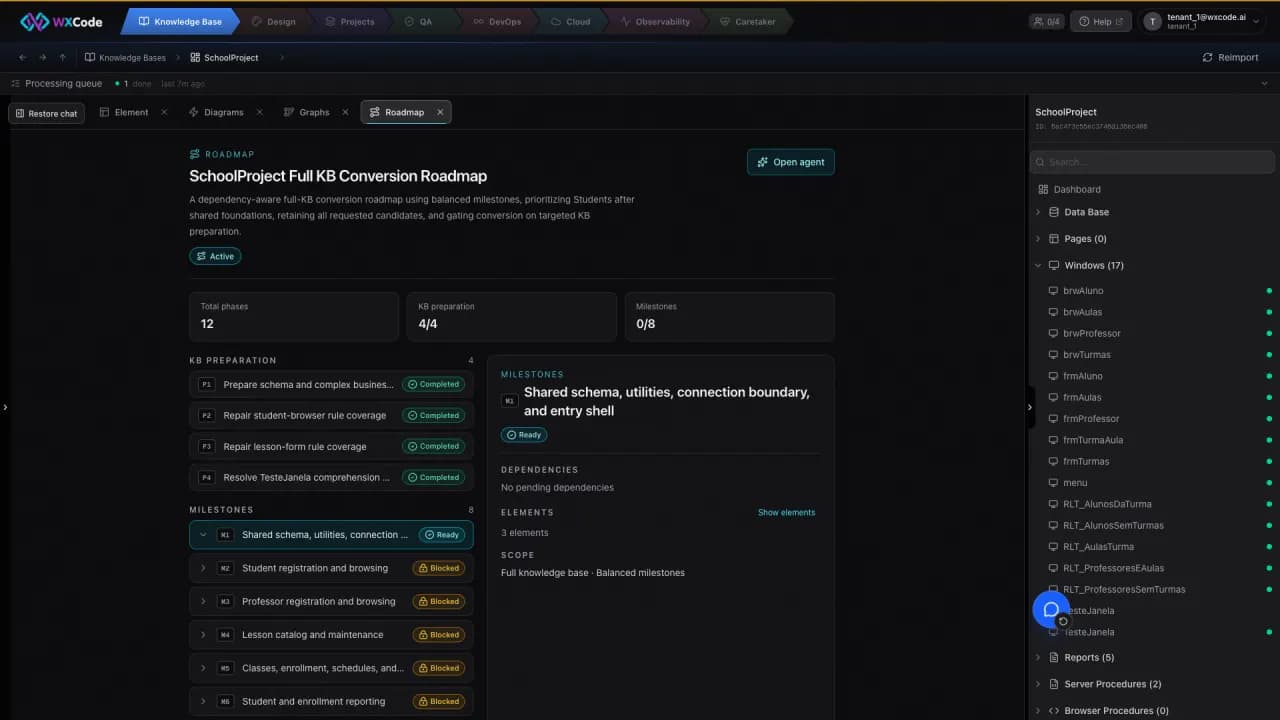
Prepare conversion first asks the Knowledge Base to understand the elements. Queue AI Enrichment, review its explanations and rules, then use the audit to inspect structural risks. The proposed roadmap asks about scope, dependency handling, and layer order. Approve the result only after those choices reflect your system.