01 · The full path
From WinDev project to a new system
Modernizing a system means moving its behavior as well as its screens. WXCode starts by reading the project and making its hidden knowledge visible, then uses that knowledge to guide design, conversion, and verification.
First, make the old system legible
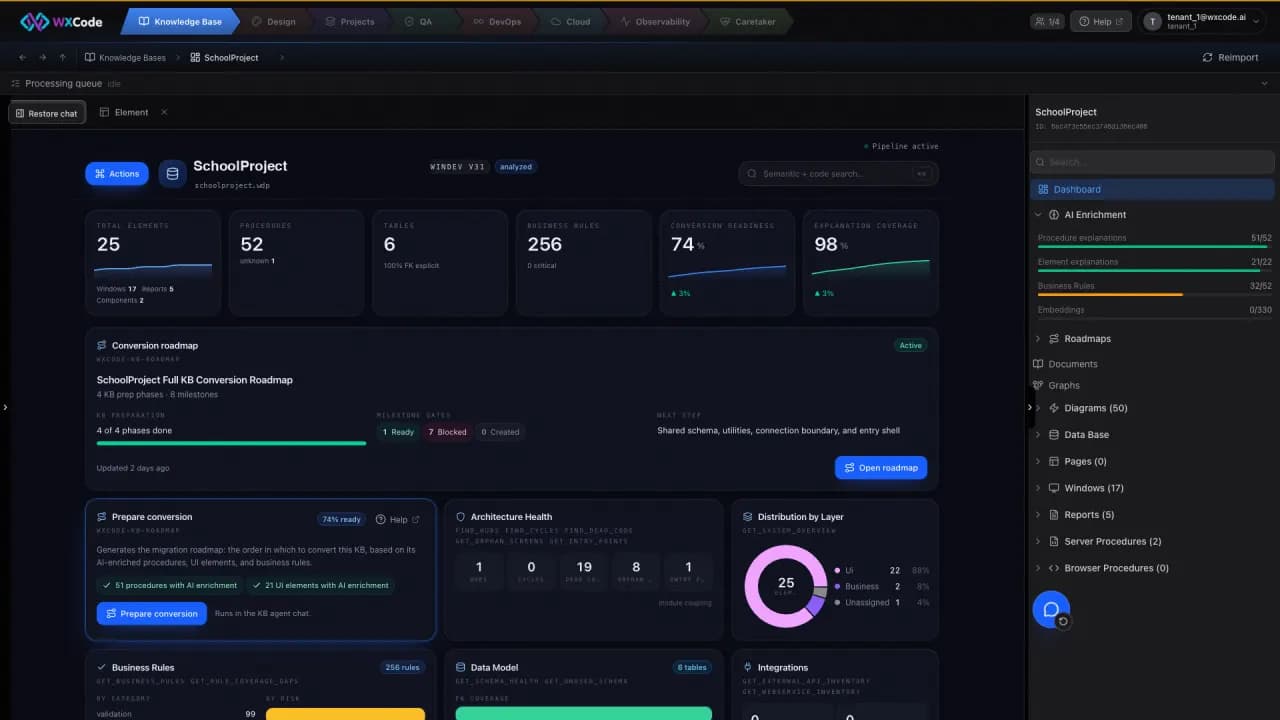
The import brings windows, procedures, tables, and their relationships into a knowledge base. AI Enrichment adds explanations and a catalog of business rules. That gives your team something concrete to inspect before changing behavior.
- Trace a rule back to its source in the WinDev project.
- See the dependencies a screen or procedure brings with it.
- Ask business owners to validate a rule in language they use.
Then decide what moves together
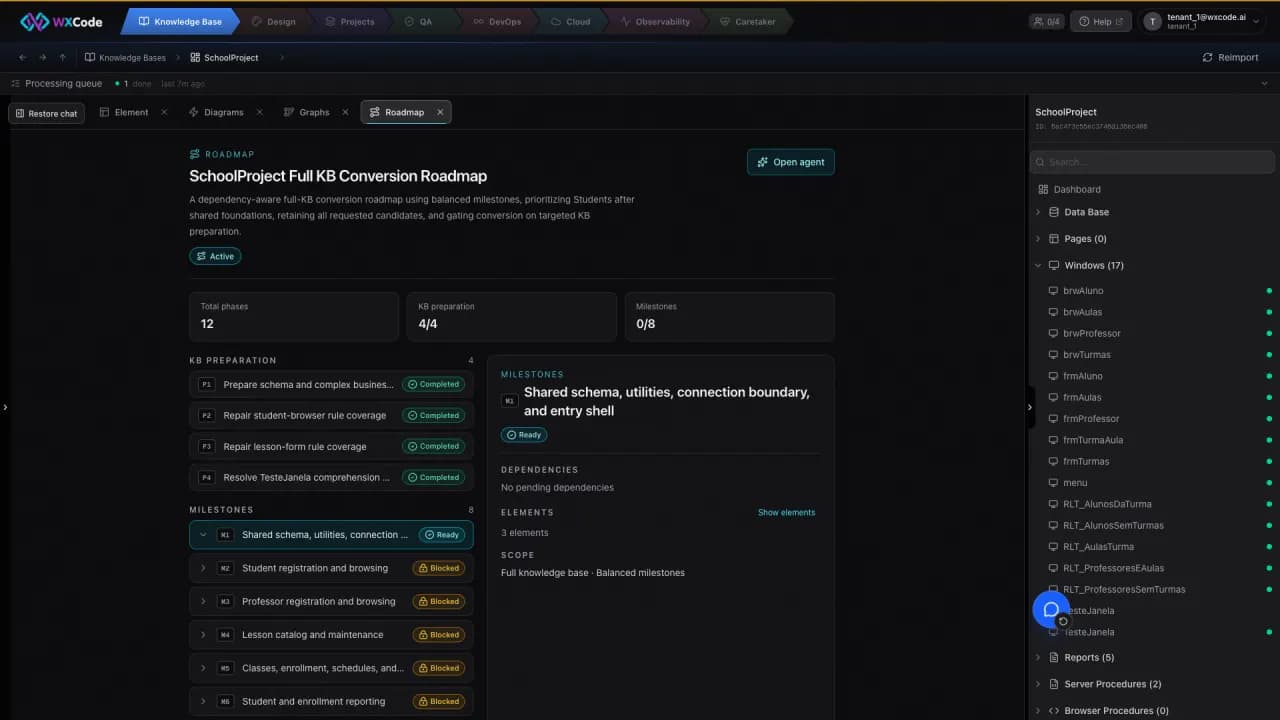
A conversion roadmap groups work by dependencies and records why each phase exists. Your team reviews and approves that proposal. The new screen can then be designed against the knowledge base and converted in the stack you choose.
Close the loop on each rule
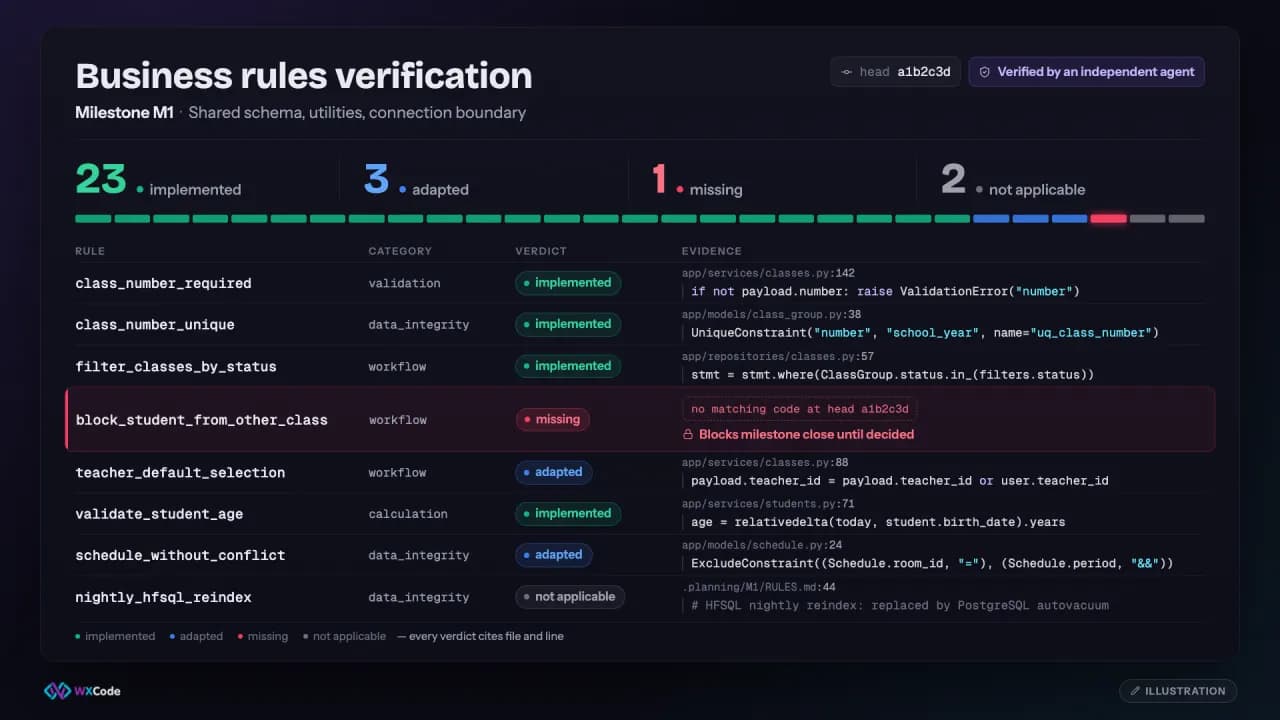
The review compares cataloged rules with the converted code, marking each as implemented, adapted, missing, or not applicable. A working screen alone cannot answer whether a rule was carried across. The output is standard code, available to download at any time, with the decisions visible to your team.