05 · Knowledge coverage
Imported is not yet understood
Reading project files is the beginning. Before converting a screen, the team needs to know what it does, which tables it touches, and which rules it carries.
Import the structure
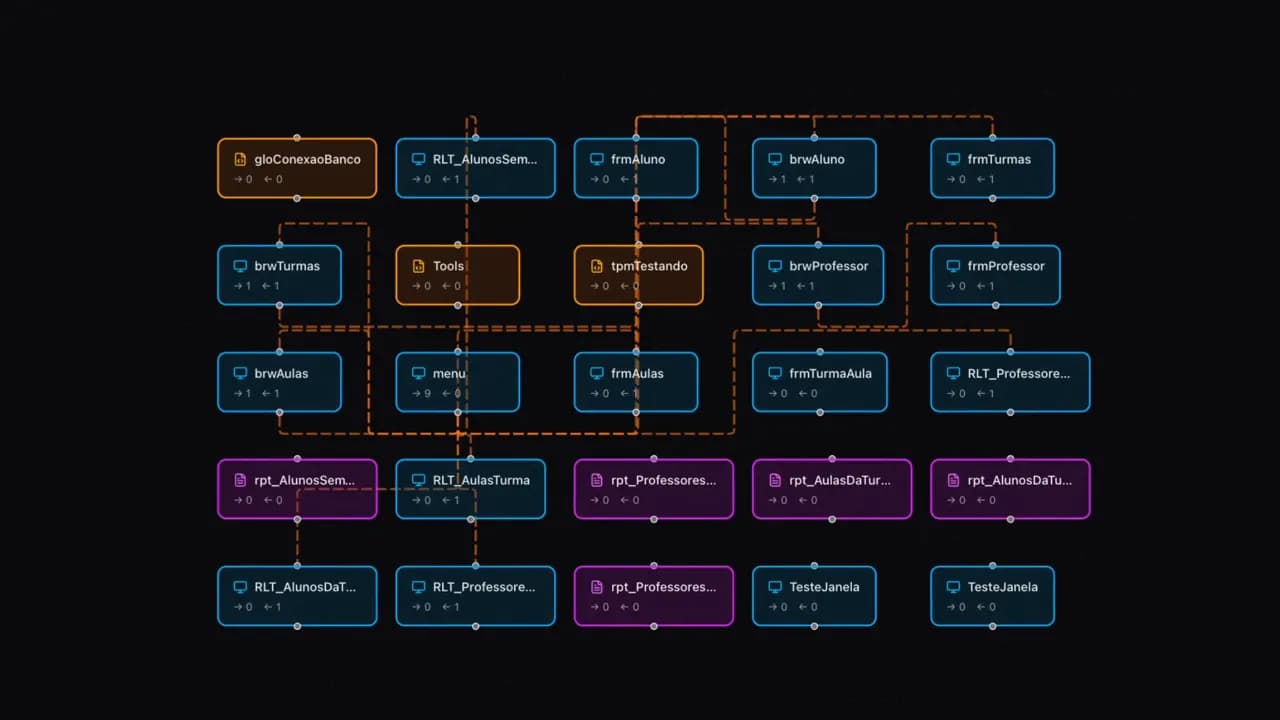
The initial import maps project elements, database tables, calls, and navigation. It gives the Knowledge Base a structure that the team can browse, but structure alone does not explain the purpose or behavior of each element.
Enrich the meaning
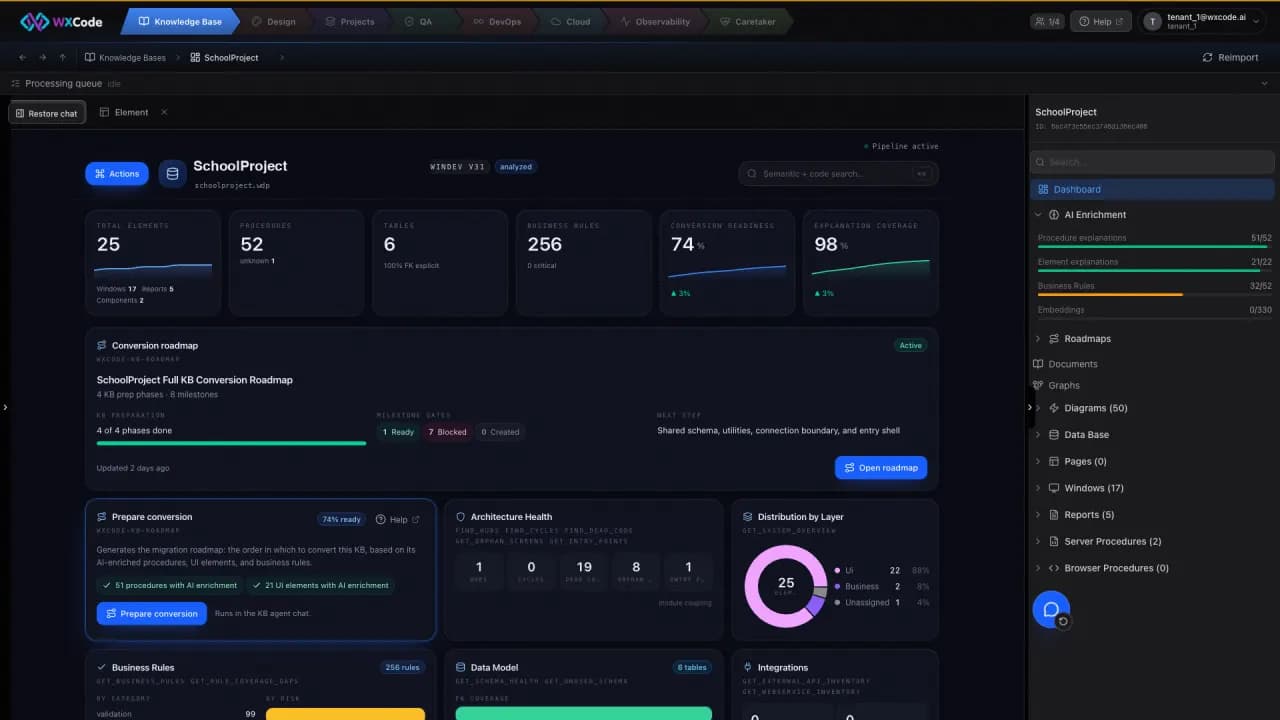
AI Enrichment adds a structured explanation to a window or procedure: purpose, key logic, user workflow, data tables, dependencies, and conversion notes. It extracts and organizes business rules as well. AI Enrichment links a screen's rule to the local procedure it calls.
- Open an element and inspect its explanation against the code.
- Review the rules and their source events or procedures.
- Use the dashboard to see which elements still need attention.
Watch for stale knowledge
The dashboard distinguishes imported, enriched, and understood work and shows coverage and readiness. If the source changes, an explanation can be marked out of date. That signal matters: the plan should reflect the current system, not a snapshot the team no longer trusts.